Free CV & Resume Maker
Fill in your details once, try them in 54 CV types, and download a PDF that looks exactly like the preview — with real text that applicant tracking systems can read. No signup, no watermark, nothing stored.
- Never stored
- No queue, no waiting
- No signup, no watermark
Choose your CV type
54 CV types, each with a worked example. Switch any time — your details stay as they are.
Resume formats
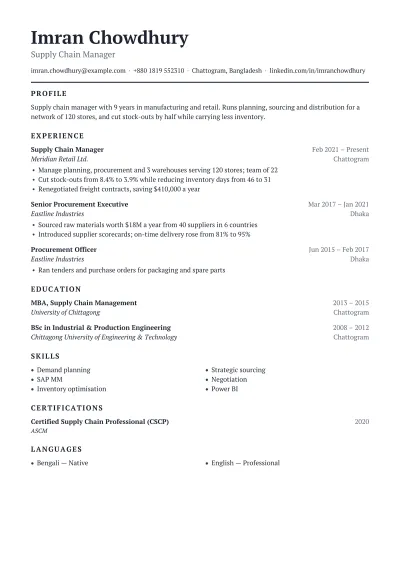 Chronological ResumeThe standard format recruiters expect: your jobs in reverse order, most recent first.1 columnATS-friendly
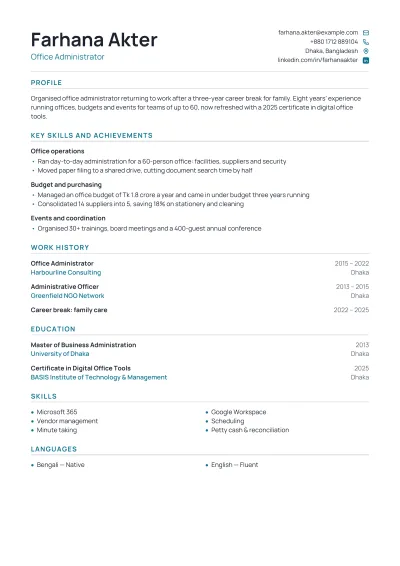 Functional ResumeLeads with grouped skills and achievements, not dates. For career gaps and returners.1 columnATS-friendly
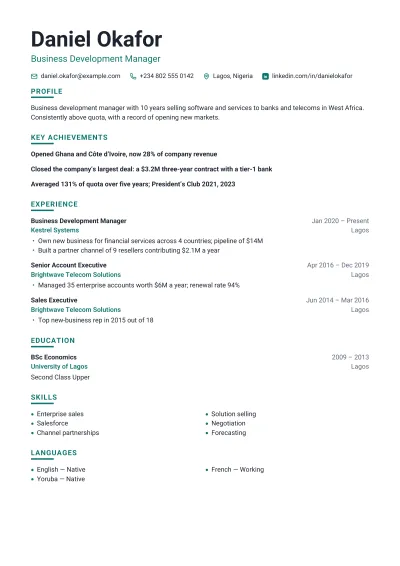 Combination ResumeA hybrid: key achievements first, then a full work history. Strong for experienced candidates.1 columnATS-friendly
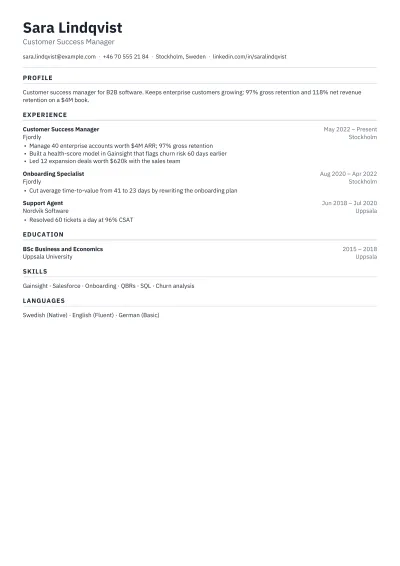 One-Page ResumeEverything that matters on a single page, set tight but readable.1 columnATS-friendly
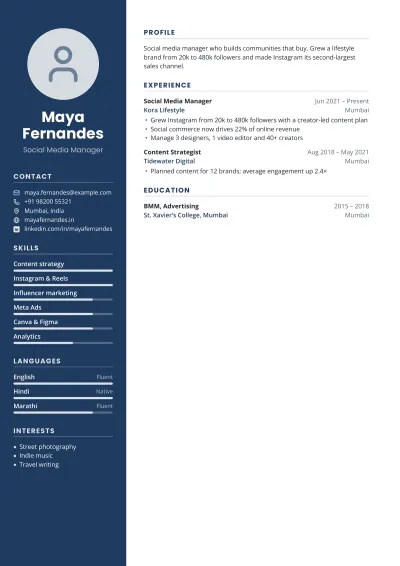 Infographic ResumeA visual resume with a coloured sidebar, photo and skill bars. For roles where design counts.2 columnsPhoto
Career stage
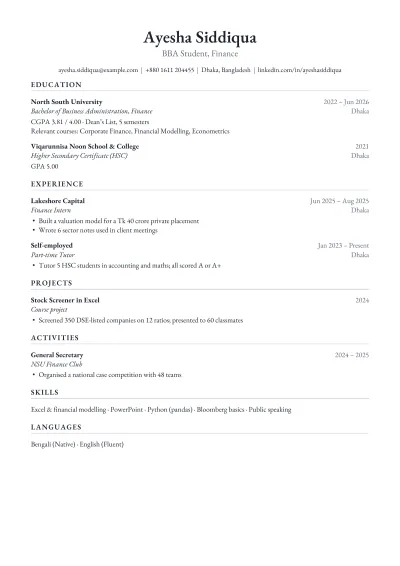 Student ResumeEducation first, then projects, part-time work and activities. The format career offices teach.1 columnATS-friendly
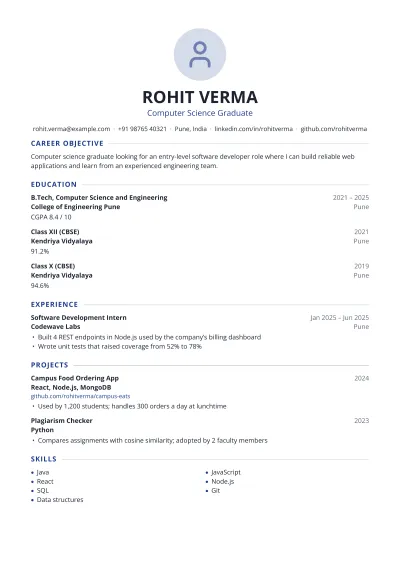 Fresher CVFor fresh graduates with no full-time job yet: career objective, academics, projects and internships.1 columnPhoto
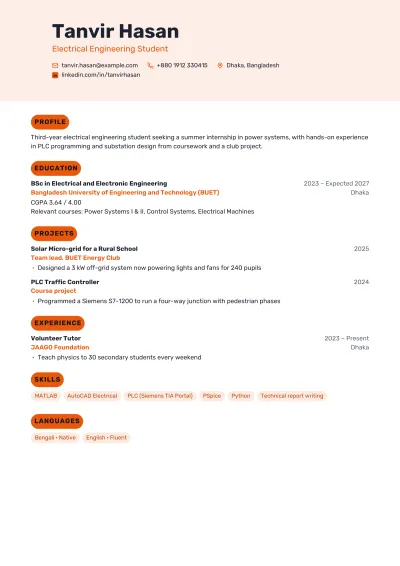 Internship ResumeFor students applying for internships: coursework, projects and skills up front.1 columnATS-friendly
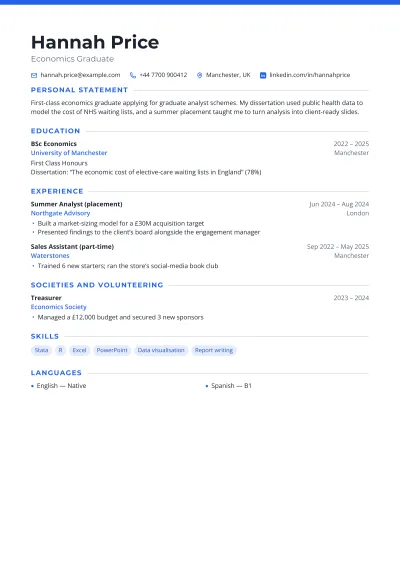 Graduate CVA new graduate's CV: degree and dissertation, placements, and transferable skills.1 columnATS-friendly
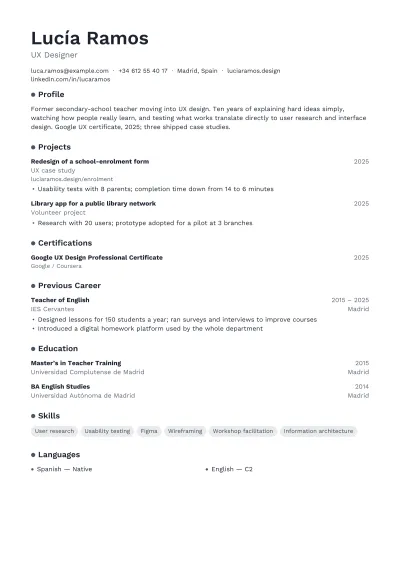 Career Change ResumeReframes past experience for a new field, with new training shown first.1 columnATS-friendly
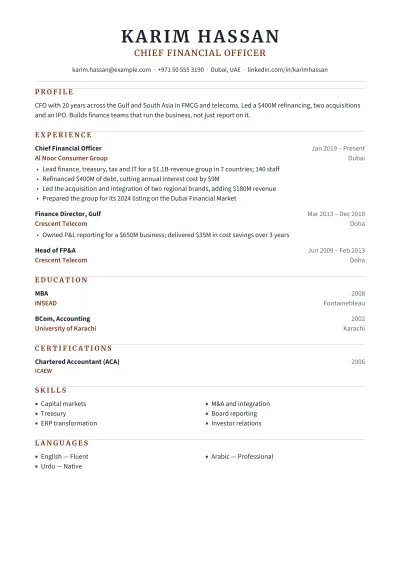 Executive ResumeFor directors and C-suite leaders: scope, strategy and results at company level.1 columnATS-friendly
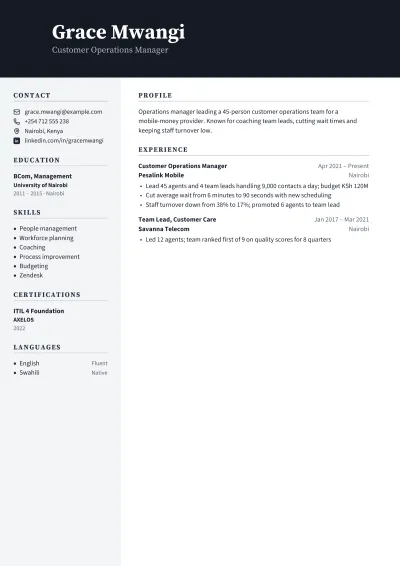 Manager ResumeFor team leads and managers: people, budgets and the results your team delivered.2 columns
By profession
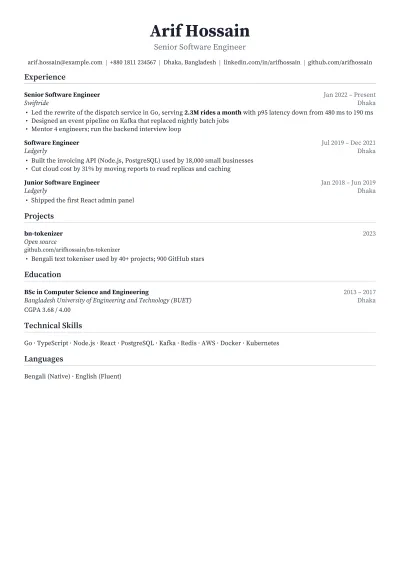 Software Engineer ResumeThe dense, one-page engineering resume tech recruiters prefer, with skills grouped by type.1 columnATS-friendly
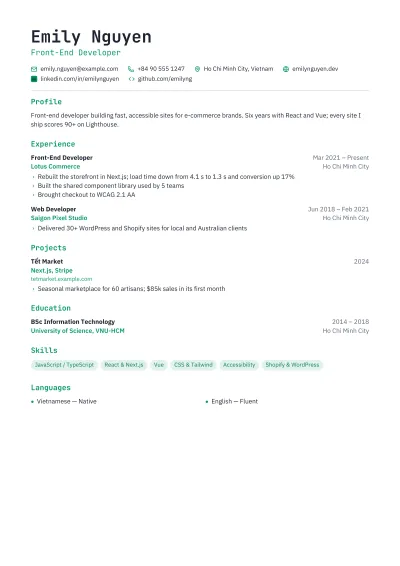 Web Developer ResumeFor front-end and full-stack developers, with a portfolio and stack in plain view.1 columnATS-friendly
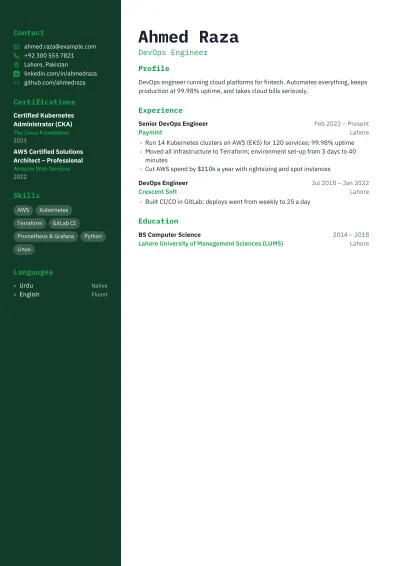 DevOps Engineer ResumeFor DevOps, cloud and site reliability engineers: infrastructure, automation and uptime.2 columns
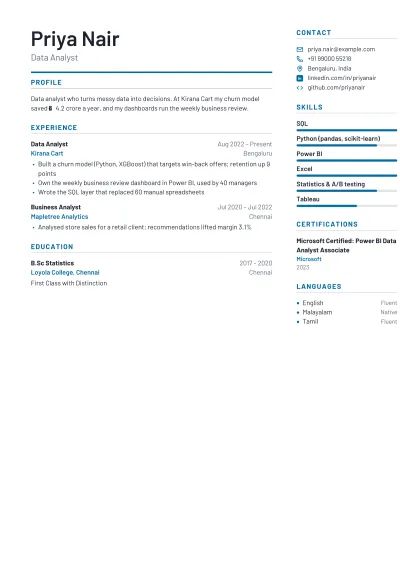 Data Analyst ResumeFor data analysts and scientists: tools, models and the business decisions they changed.2 columns
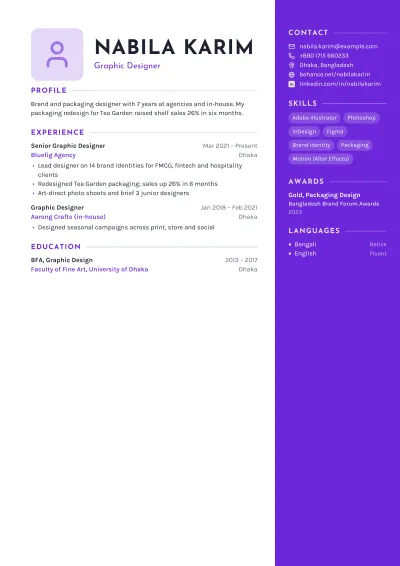 Graphic Designer ResumeA designed resume for graphic and brand designers, with a portfolio link up front.2 columnsPhoto
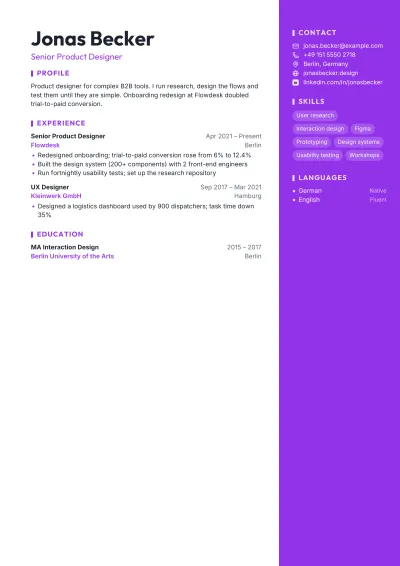 UX Designer ResumeFor UX, UI and product designers: process, research and measurable outcomes.2 columns
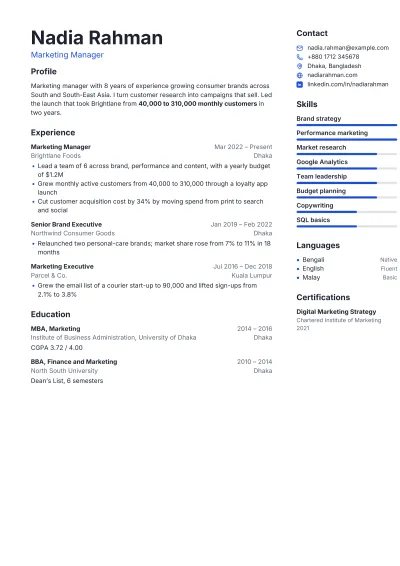 Marketing CVFor marketing managers and specialists: campaigns, channels and growth in numbers.2 columns
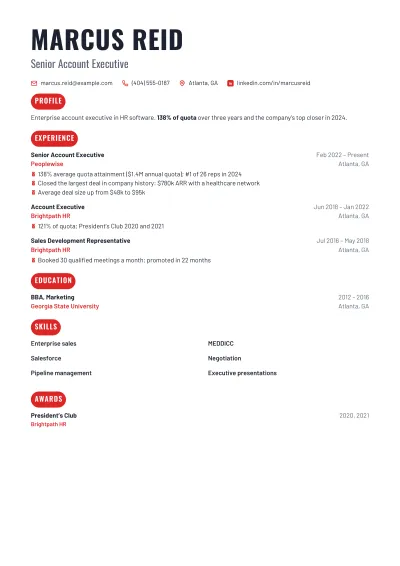 Sales ResumeFor sales executives and account managers: quota, revenue and wins front and centre.1 columnATS-friendly
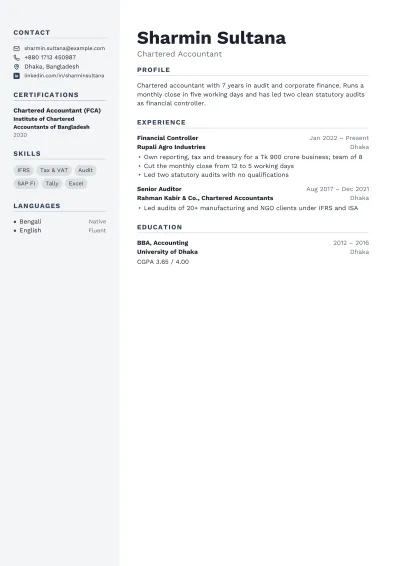 Accountant CVFor accountants and auditors: qualifications, systems and accuracy on record.2 columns
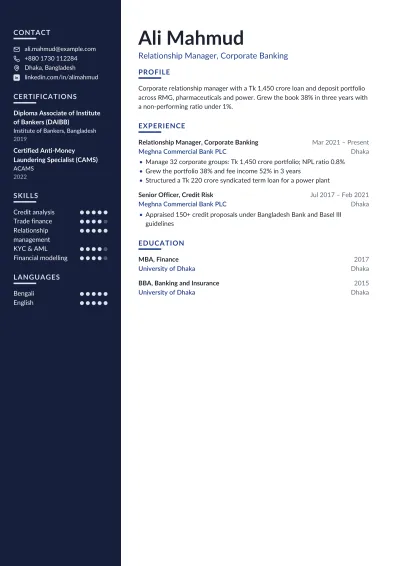 Banking & Finance CVFor bankers, analysts and relationship managers: portfolios, compliance and results.2 columns
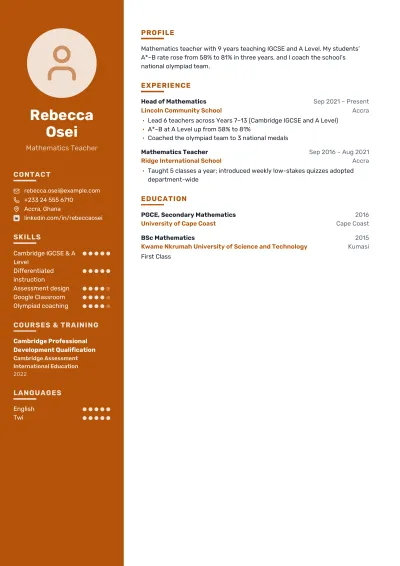 Teacher CVFor teachers and lecturers: subjects, grade levels, results and training.2 columnsPhoto
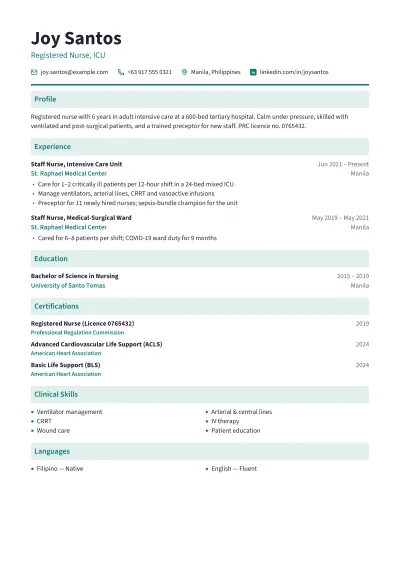 Nurse CVFor registered nurses: registration, wards, clinical skills and patient care.1 columnATS-friendly
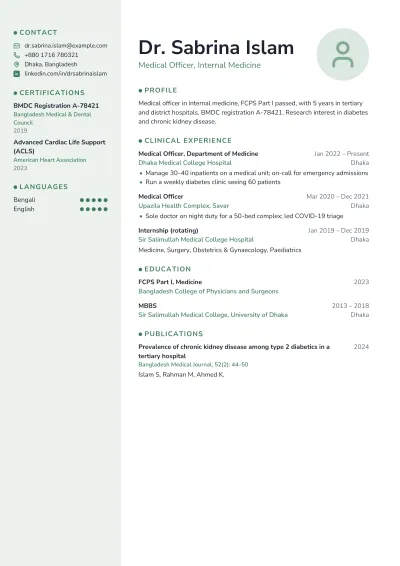 Medical CVFor doctors and physicians: registration, rotations, research and procedures.2 columnsPhoto
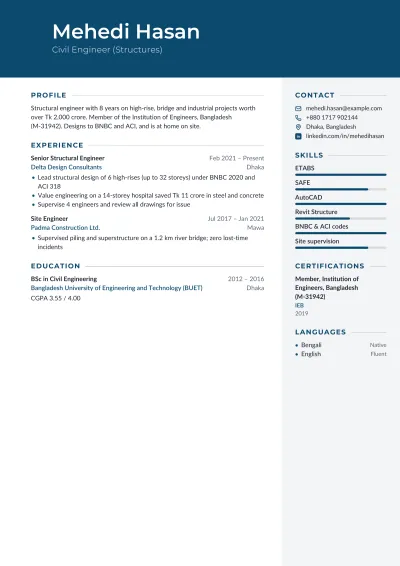 Engineer CVFor civil, mechanical and electrical engineers: projects, standards and site work.2 columns
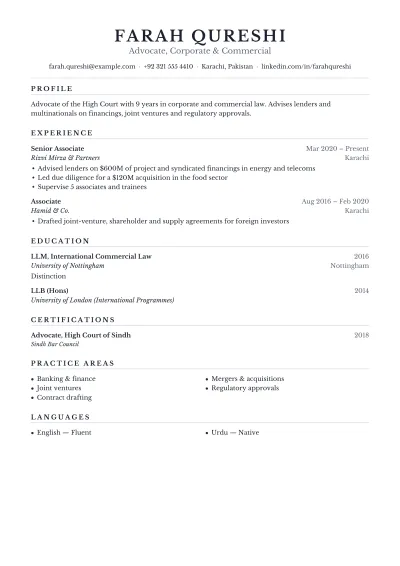 Lawyer CVFor advocates and legal counsel: practice areas, matters and bar admission.1 columnATS-friendly
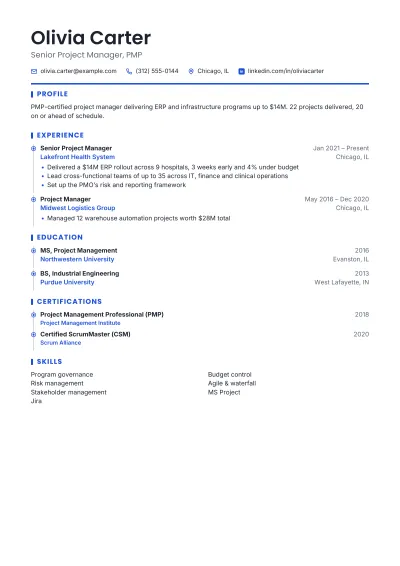 Project Manager ResumeFor project and programme managers: scope, budgets and on-time delivery.1 columnATS-friendly
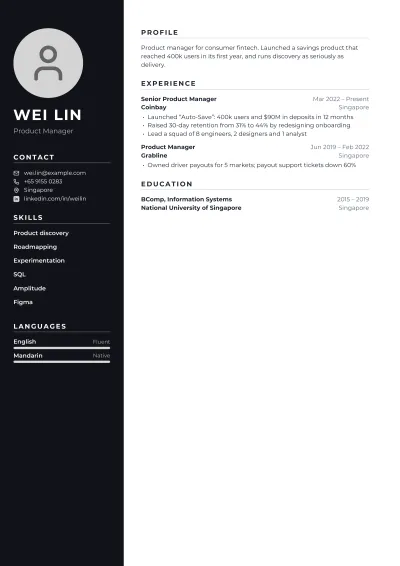 Product Manager ResumeFor product managers: products shipped, metrics moved and teams led.2 columnsPhoto
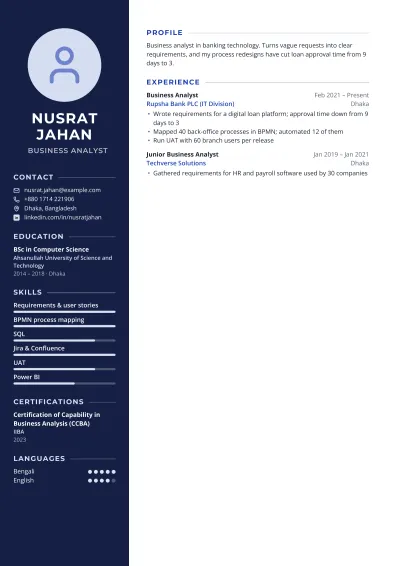 Business Analyst ResumeFor business and systems analysts: requirements, processes and savings.2 columnsPhoto
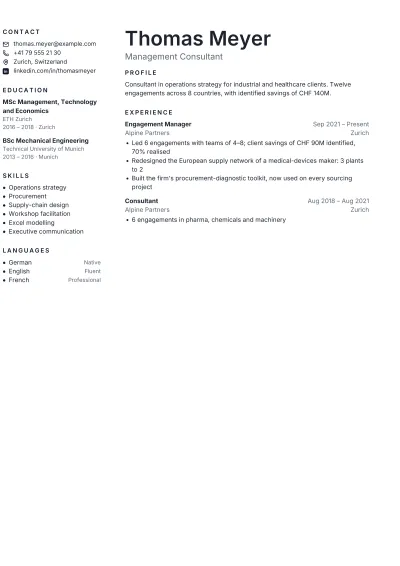 Consultant ResumeFor management and strategy consultants: engagements, clients and impact.2 columns
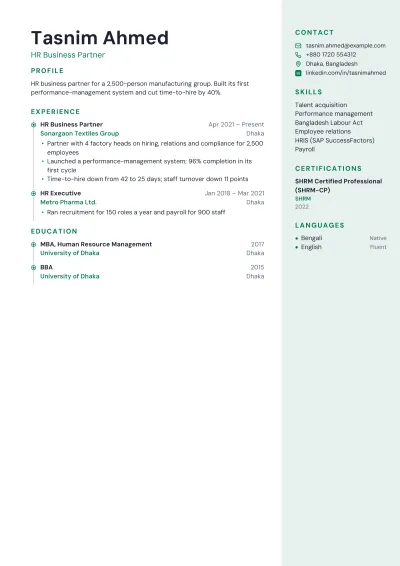 HR CVFor HR managers and recruiters: hiring, people programmes and policy.2 columns
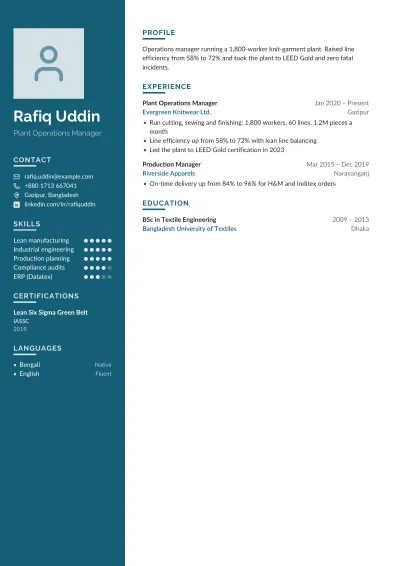 Operations Manager CVFor operations and plant managers: throughput, cost and safety.2 columnsPhoto
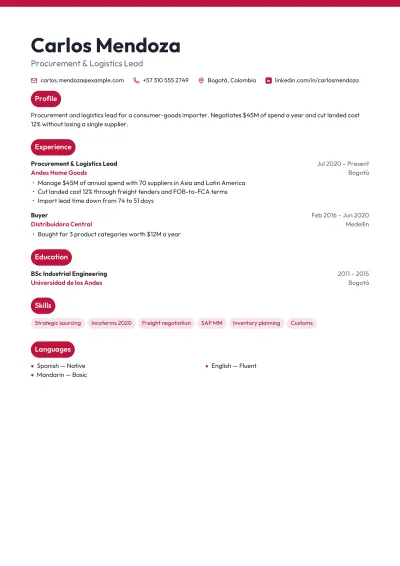 Supply Chain CVFor supply chain, procurement and logistics professionals.1 columnATS-friendly
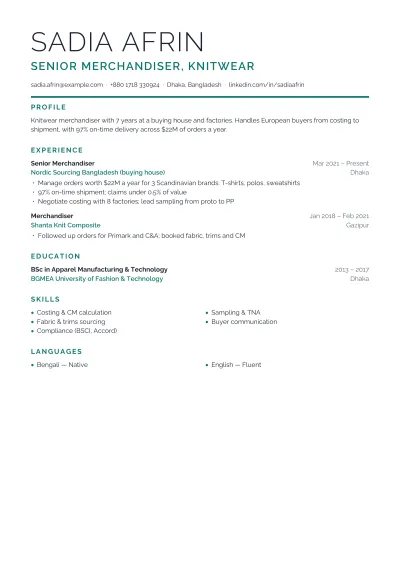 Garments Merchandiser CVFor apparel merchandisers: buyers, orders, sampling and on-time shipment.1 columnATS-friendly
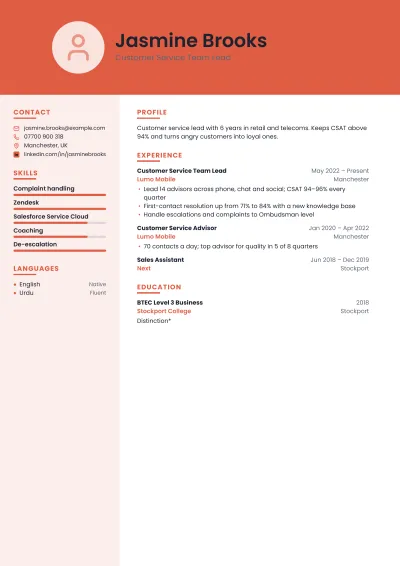 Customer Service ResumeFor support, call-centre and front-desk roles: satisfaction scores and resolution.2 columnsPhoto
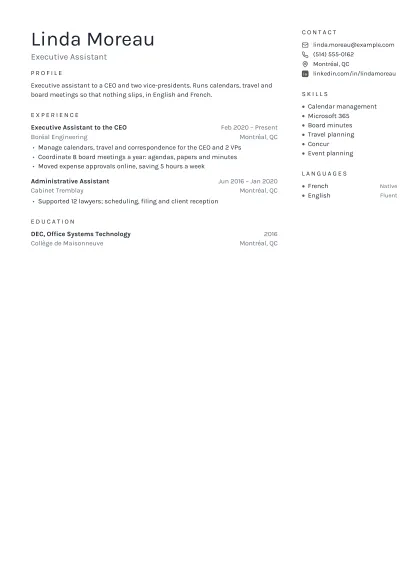 Administrative Assistant ResumeFor administrative, executive and office assistants.2 columns
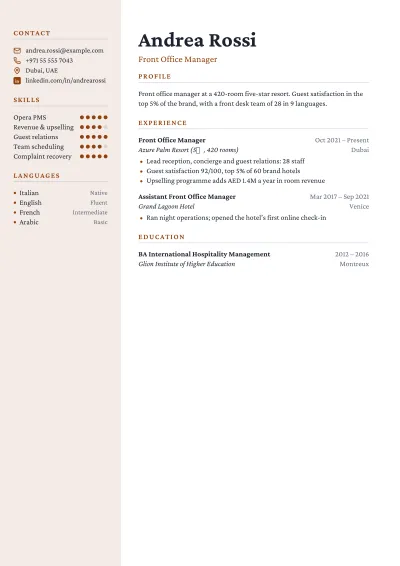 Hospitality CVFor hotel, restaurant and tourism roles: service, guests and standards.2 columns
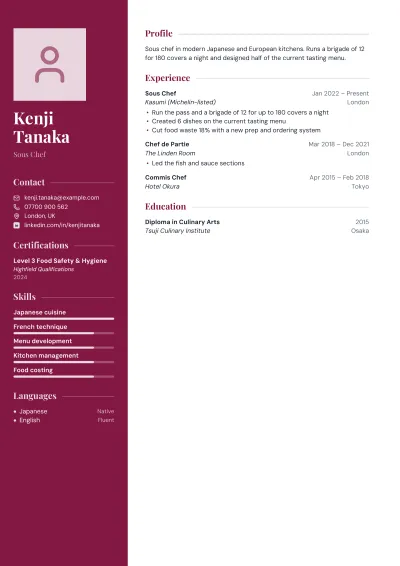 Chef CVFor chefs and cooks: kitchens, cuisines, brigades and food safety.2 columnsPhoto
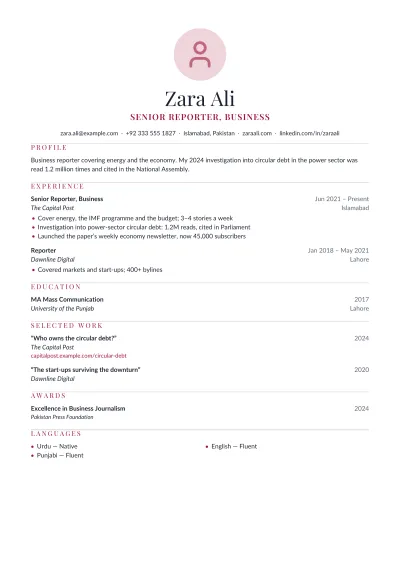 Journalist & Writer CVFor journalists, editors and content writers: bylines, beats and audience.1 columnPhoto
By country
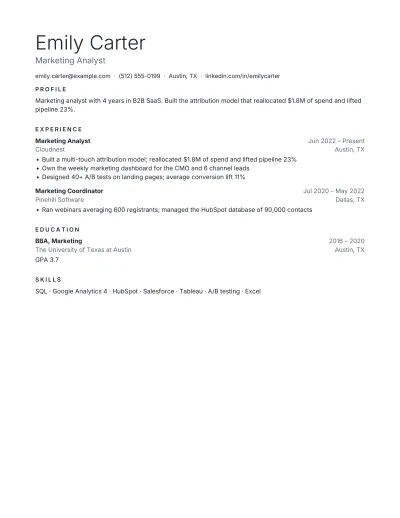 US ResumeThe American format: one page, US Letter, no photo, no personal details.1 columnATS-friendly
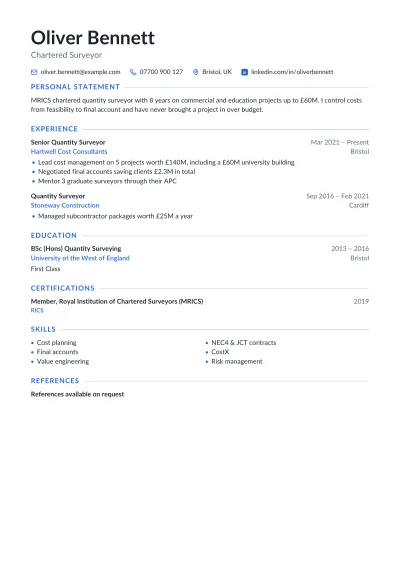 UK CVThe British CV: two pages, no photo, a personal statement at the top.1 columnATS-friendly
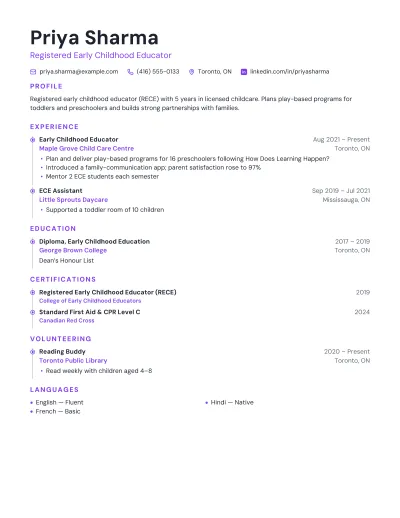 Canadian ResumeThe Canadian format: no photo or personal details, results in numbers.1 columnATS-friendly
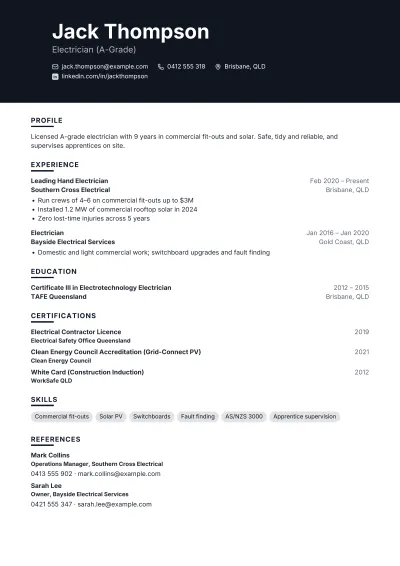 Australian ResumeThe Australian format: two to three pages, with referees listed at the end.1 columnATS-friendly
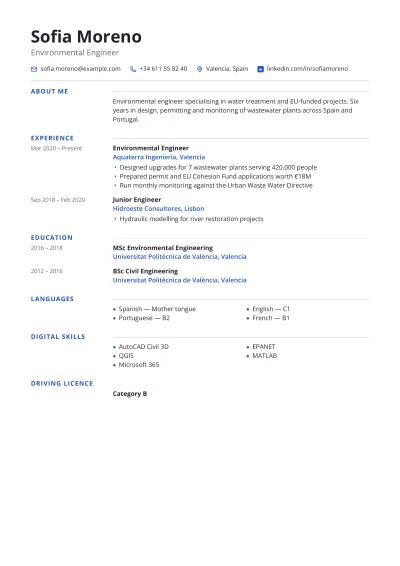 Europass CVThe European Union's CV format: labels in a margin and languages on the CEFR scale.1 columnATS-friendly
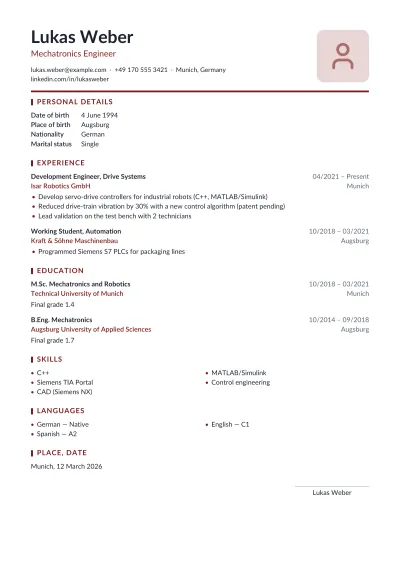 German CV (Lebenslauf)The German Lebenslauf: photo, personal data, and a dated signature.1 columnPhoto
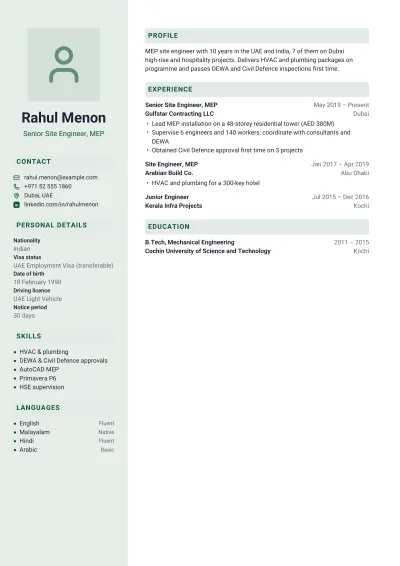 Gulf CVFor jobs in the UAE, Saudi Arabia, Qatar and Oman: photo, nationality and visa status.2 columnsPhoto
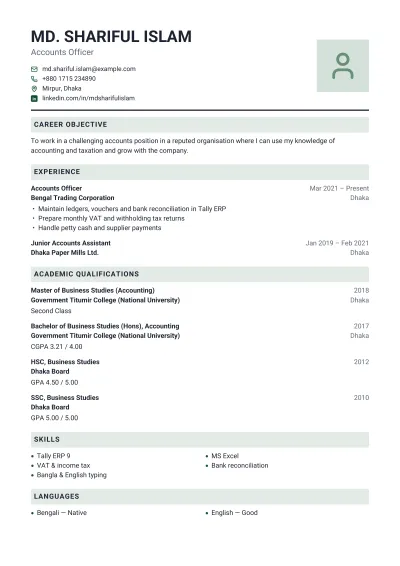 BiodataThe biodata format for jobs: photo, personal details and a signed declaration.1 columnPhoto
Academic & government
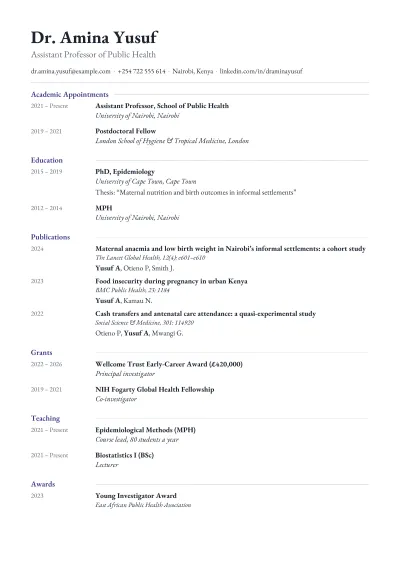 Academic CVFor lecturers and professors: publications, grants, teaching and service.1 columnATS-friendly
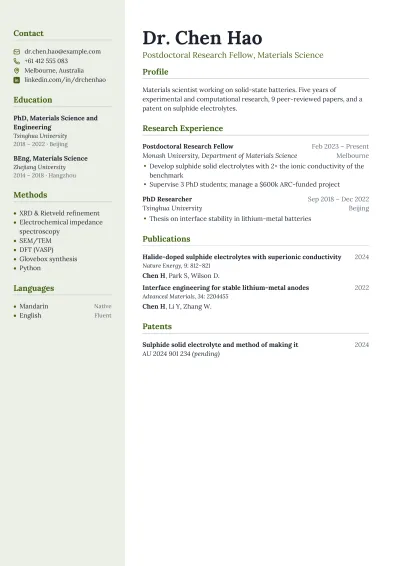 Research CVFor postdocs and research scientists: projects, methods, papers and funding.2 columns
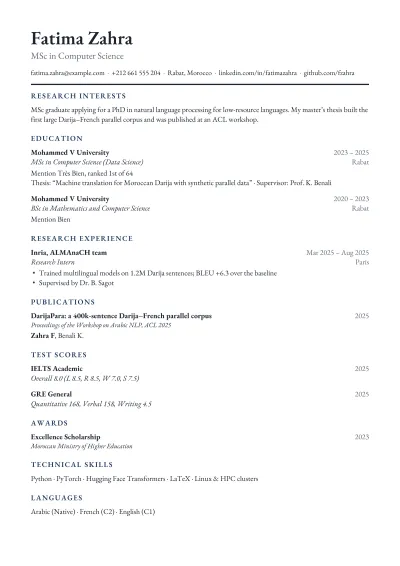 PhD Application CVFor master's and PhD applications: research experience, thesis, scores and awards.1 columnATS-friendly
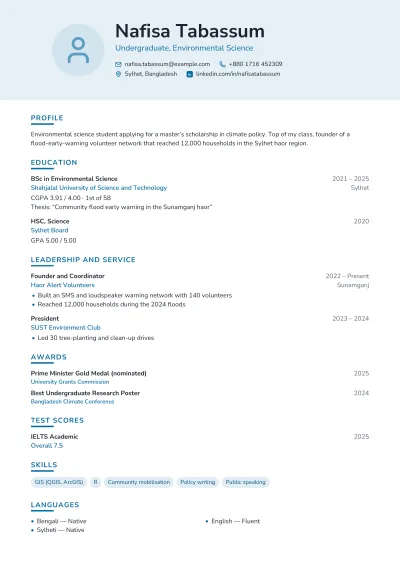 Scholarship CVFor scholarship applications: academic record, leadership and service.1 columnPhoto
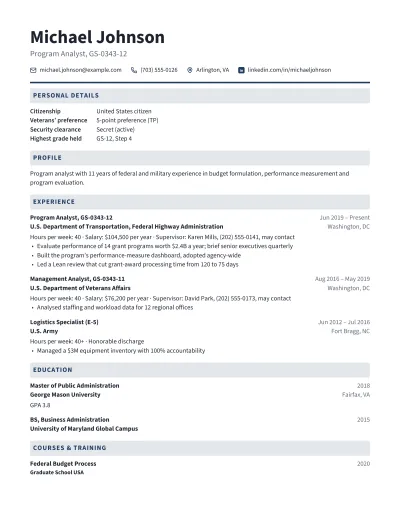 Federal ResumeFor US government jobs (USAJOBS): hours, grades, salaries and supervisors for every role.1 columnATS-friendly
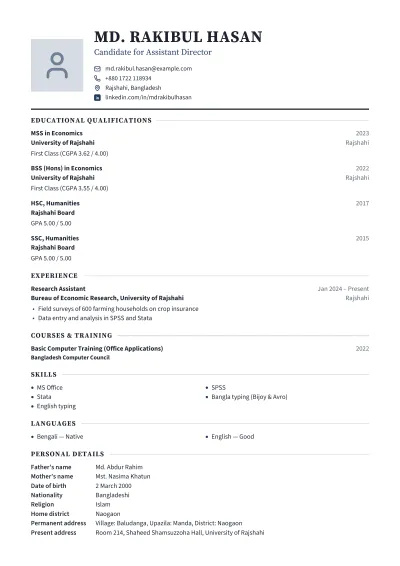 Government Job CVFor civil service and public-sector jobs: exam results, personal details and a declaration.1 columnPhoto
How it works
Pick a template
Simple and ATS-friendly, two-column, with a photo, or the Bangladesh and India format with Personal Details and a Declaration. You can switch at any time.
Fill in your details
Start from the example or from empty fields. Add, hide, rename and reorder sections; the preview updates as you type.
Adjust the look
Change the colour, the font pairing, the text size and the paper size — A4 or US Letter.
Download the PDF
The file is the preview you were looking at, page for page. Save a copy of your details to edit it again later.
What a CV template actually decides
Recruiters give a CV a first read of well under a minute, so a template's real job is reading order: name and role first, then the evidence in the order the reader wants it. A single column is read top to bottom by everyone and everything, which is why the Chronological, Student and Software Engineer templates remain the safest choice for large employers that screen with applicant tracking software. Two-column layouts put short, scannable facts — skills, languages, contact details — beside the career story, which suits design, marketing and startup roles where the page itself is part of the impression.
The PDF these templates produce is typeset, not screenshotted. Every word is real text in a font embedded in the file, so it can be selected, searched and parsed; links to your website and LinkedIn profile are live; and the document prints sharply at any size. Fonts are trimmed to the characters actually used, which keeps a CV well under 200 KB even with a photo — small enough for any job portal's upload limit, including the strict ones on government and university sites.
Regional conventions differ more than most builders admit. A US resume leaves out the photo, date of birth and marital status; a CV for an employer in Bangladesh, India or Pakistan is usually expected to include them in a Personal Details block and to end with a signed Declaration. The Biodata, Fresher CV and Government Job CV types are built around that format, and the Gulf and German CVs carry the personal details those countries expect; the rest leave them out unless you add them.
When you want something else
Word or Google Docs templates give you total control over every line, and a .docx is what some recruitment agencies ask for so they can add their own branding. The cost is that the layout is yours to maintain: adding one job can push a heading to the bottom of a page, and two-column Word templates built from tables and text boxes are exactly the ones that applicant tracking systems read out of order.
For academic CVs with long publication lists, LaTeX (the moderncv and Awesome-CV classes) remains the standard, and it handles citations and dozens of pages gracefully. And if a job portal has its own form, fill that in carefully — a well-designed PDF helps with people, but the form is what the portal's own search reads first.
Frequently asked questions
Is it really free?
Yes. Every template, every colour and the PDF download are free, with no watermark, no signup and no "pay to download" step at the end — which is where most CV builders ask for money.
Will an applicant tracking system (ATS) read my CV?
The PDF carries real, selectable text in reading order, not a picture of text, so ATS software and recruiters' search can read every word. For the safest result with strict systems, use a template marked ATS-friendly: one column, standard headings and no photo.
Does the download look exactly like the preview?
Yes. The preview is the PDF itself, drawn page by page, so line breaks, page breaks and spacing are identical. Many builders show a web page and then produce a PDF that wraps differently; that cannot happen here.
Where are my details kept?
On this computer only, so the CV is still here when you come back. They are never sent to us or stored on a server. To move your CV to another computer, use "Save a copy" and open that file there.
CV or resume — which should I make?
They are the same document with different names in most countries. In the US and Canada a "resume" is usually one page with no photo; in the UK, Europe, South Asia and the Middle East a "CV" can run to two pages and often has a photo. Every template here works for either.
Should I put a photo on my CV?
It depends on the country. Employers in Bangladesh, India, Pakistan, much of Europe and the Gulf generally expect one; in the US, UK, Canada and Australia a photo is usually left off to avoid bias. Templates labelled "Photo" show one, and it can be switched off in Design.
Can I write my CV in Bangla, Hindi or Arabic?
Not yet. The templates are set in fonts for English and other Latin-alphabet languages, including Vietnamese, French, German, Spanish and Turkish. The page warns you if you type characters the fonts cannot show.
How long should my CV be?
One page for students and people with under about ten years of experience; two pages for longer careers. The page count is shown above the preview, and a smaller text size or the One-Page Resume will fit more on a page.
Good to know: Text in Latin-alphabet languages only (English, Vietnamese and European languages); Bangla, Devanagari, Arabic and CJK characters are not supported yet. The download is a PDF; there is no Word version. Your details are kept on this computer until you remove them.
Put this tool on your website
Free for any blog, class page or help article. Paste one snippet and your visitors can use it right on your page.
Related tools
Remove Background
AI cut-outs that are never stored
Crop Image
Drag, snap to ratios, pixel-exact
Compress PDF
Smaller file, same document
Word to PDF
DOCX to PDF, exactly as Word exports it
PDF to Word
Convert to editable .docx, with OCR for scans
Translate DOCX
Word documents in another language, layout intact